
How to stop doomscrolling
Doomscrolling usually doesn’t start with a decision. You unlock the phone for one thing, a feed opens out of habit, and twenty minutes disappear. The steps below work on that reflex instead of relying on willpower.
1. Find your scroll moments
Most scrolling clusters around a few moments: right after waking up, during breaks, on the couch in the evening, in bed. Check Settings → Screen Time → See All App & Website Activity and look at which apps and which hours dominate. Pick the one or two moments that cost you most.
2. Move the feeds off your Home Screen
Long-press a social app, choose Remove App → Remove from Home Screen. It stays in the App Library but is no longer one thumb-movement away. Small friction already breaks part of the automatic loop.
3. Turn off the notifications that pull you back
Likes, “you might have missed” and recommended-video alerts exist to reopen the feed. In Settings → Notifications, keep messages from people and switch off the rest.
4. Block the feed for a set time, not “less”
“Use it less” is hard to act on. “Instagram and TikTok are closed until 18:00” is easy. Start a timed block for the moment you picked in step 1. Screen Time App Limits can do this, but their block screen has an Ignore Limit button, and when the urge is strong, most people tap it. An app blocker like Unscroll keeps the apps closed for the whole Focus; to get in, you first have to open Unscroll and end the session.
5. Put the block on a schedule
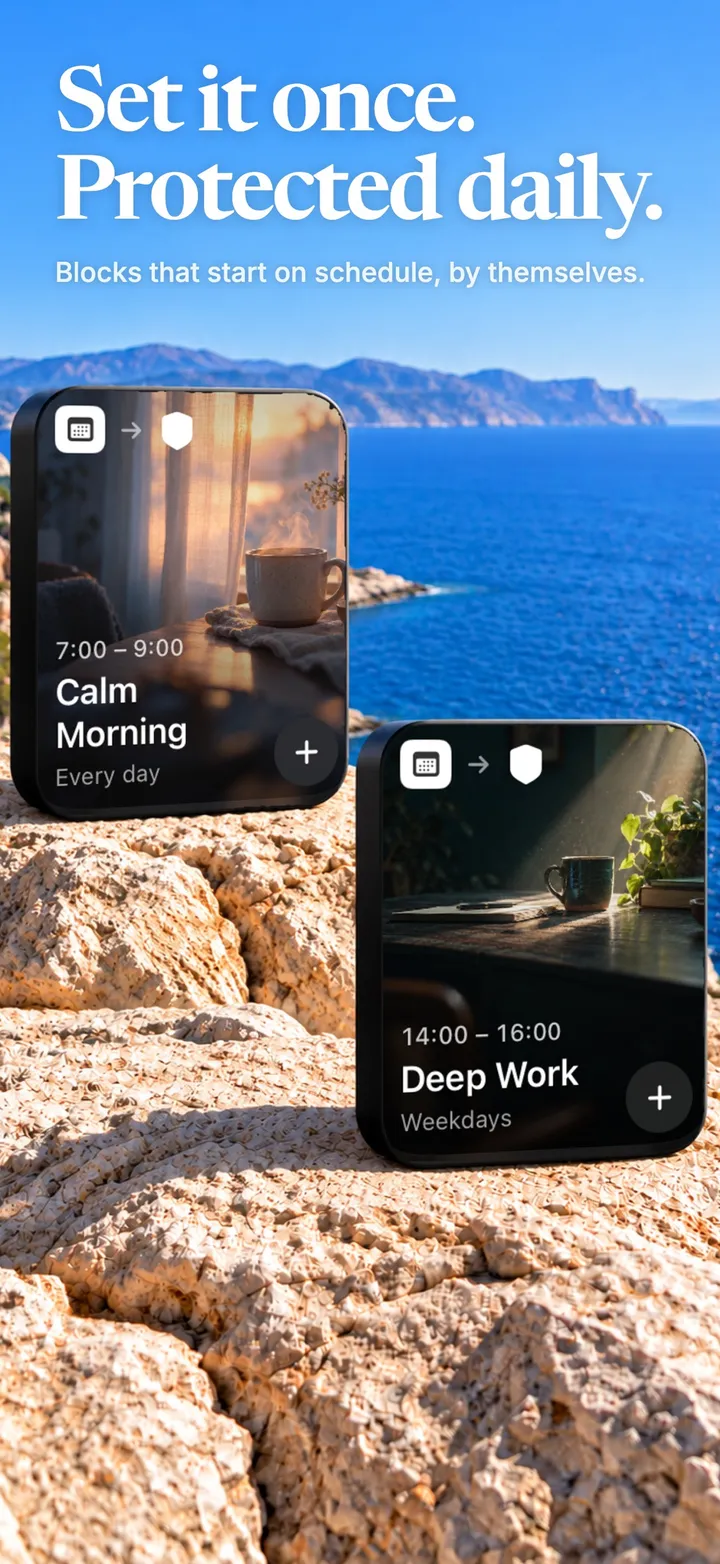
If you have to remember to start a block, the reflex wins on busy days. Schedule it once: work hours, the first hour after waking, or bedtime. In Unscroll this is an Automation, which starts and ends on the days and hours you choose even when the app is closed.
6. Decide what replaces the scroll
Blocking creates empty time, and empty time looks for the nearest feed. Choose one concrete replacement for each scroll moment: a few pages of a book in bed, a short walk at lunch, a message to a friend. Unscroll’s Habits let you set the days and a reminder and log it when you do it.
7. Count the wins, not the failures
Track the sessions you kept rather than the minutes you lost. A streak of protected mornings is easier to keep going than a screen-time total is to shrink. Unscroll’s Journey shows completed sessions, protected time, your streak and badges.
Make the block hold with Unscroll
The apps you choose stay closed until your Focus ends. No “Ignore Limit” button. Free on iPhone.
Download on theApp StoreFrequently asked
Why is doomscrolling so hard to stop?
Feeds are endless and every refresh might show something new, so there is no natural stopping point. That is why stopping points you set in advance, like a timed block, tend to work better than deciding in the moment.
Should I delete social media apps?
Deleting works for some people, but many need messaging or work features. Blocking the apps during your scroll moments keeps those features without the reflexive feed.