
Screen Time app blocker for iPhone
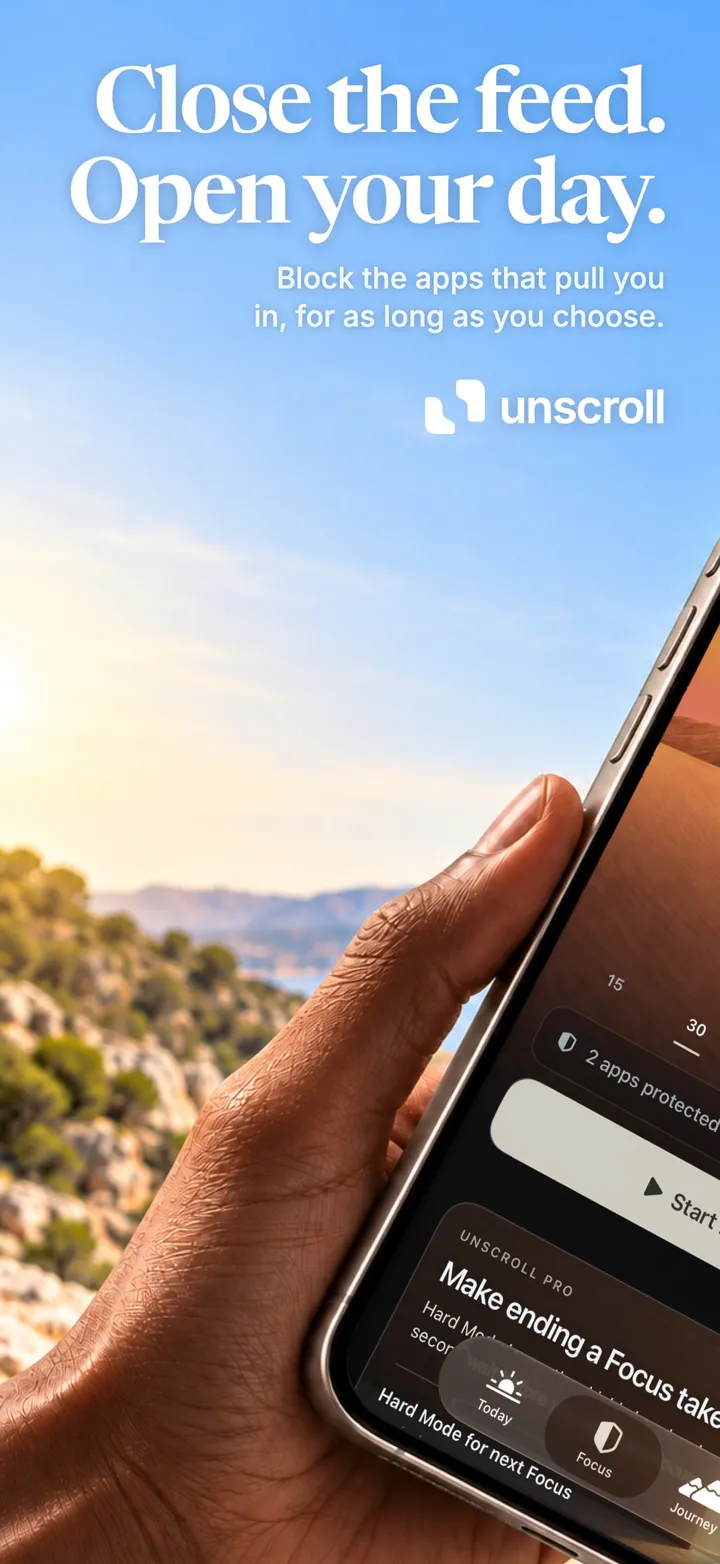
Close the feed.
Open your day.
Choose the apps that pull you in and start a Focus. Unscroll keeps them closed until you are done. No guilt, no unrealistic promises, only a clear boundary you set yourself.
Free · iPhone · iOS 18+
Start in three steps
- 1
Allow Screen Time
Unscroll works through Apple’s Screen Time on your iPhone.
- 2
Pick what pulls you in
Social media, short video, news, games, whole categories or websites.
- 3
Start a Focus
Choose 15 minutes to three hours. The apps stay closed until it ends.
The Shield
And keep it closed.
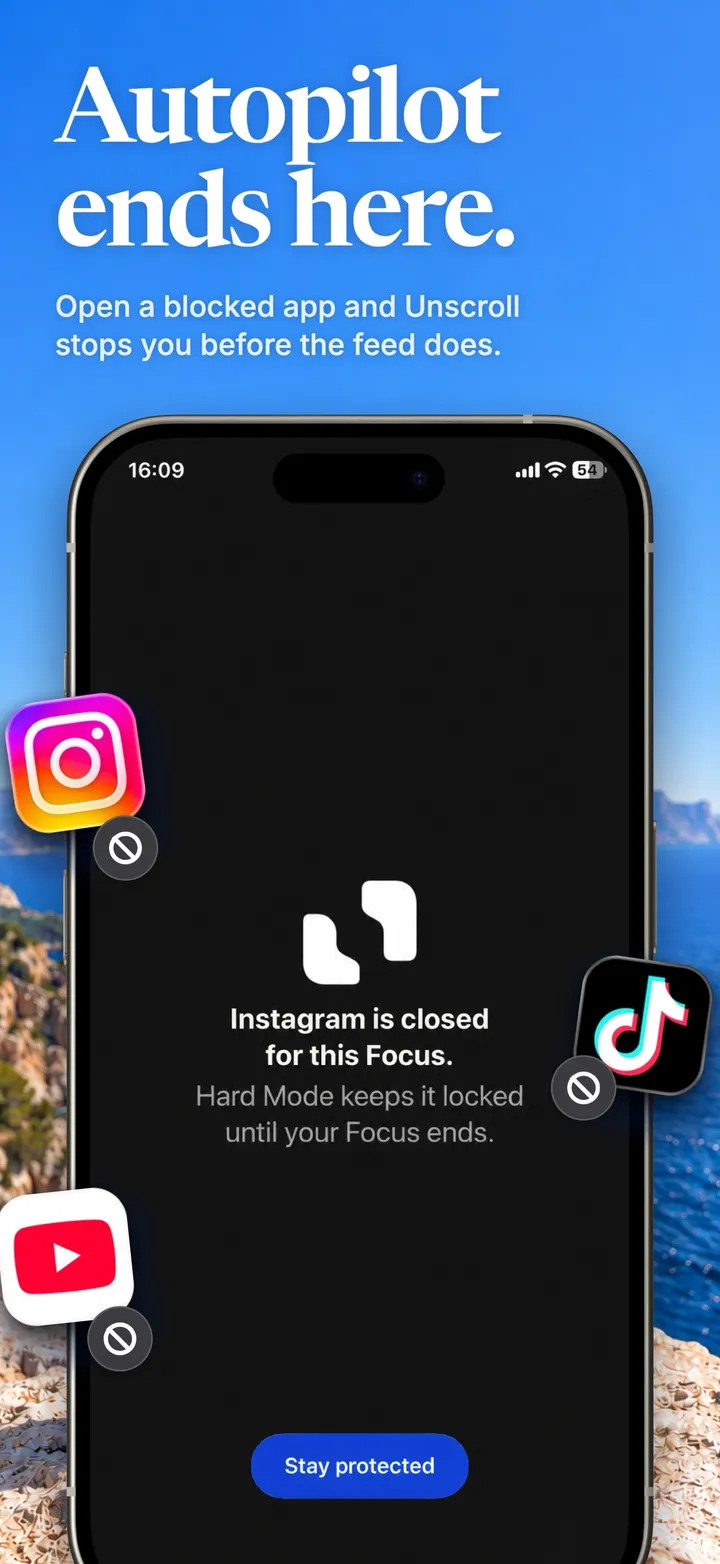
While a Focus is running, the apps you chose show the Unscroll Shield instead of the feed. There is no countdown to wait out and no snooze button. To open a blocked app, you first end the Focus in Unscroll, a deliberate step instead of a reflex.
- Block apps, app categories and websites
- Works for Instagram, TikTok, YouTube, X, Reddit and any app you choose
- Start a Quick Focus from a Home Screen widget
Automations
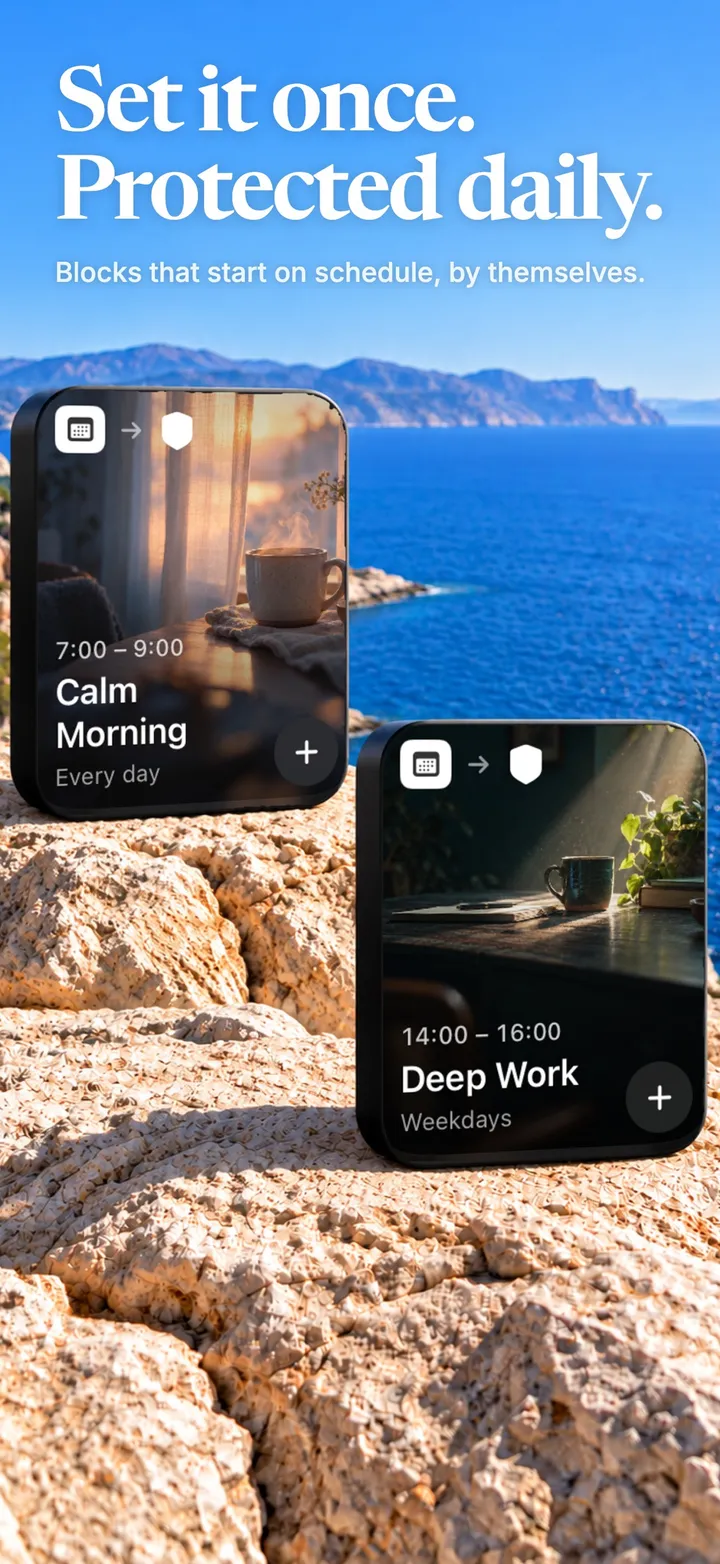
Set it once. Protected daily.
Schedule blocking for work hours, evenings, bedtime or reading time. Automations begin and end on the days and hours you choose, even when Unscroll is closed. Start from a template like Calm Morning or Deep Work, or build your own.
Hard Mode · Pro
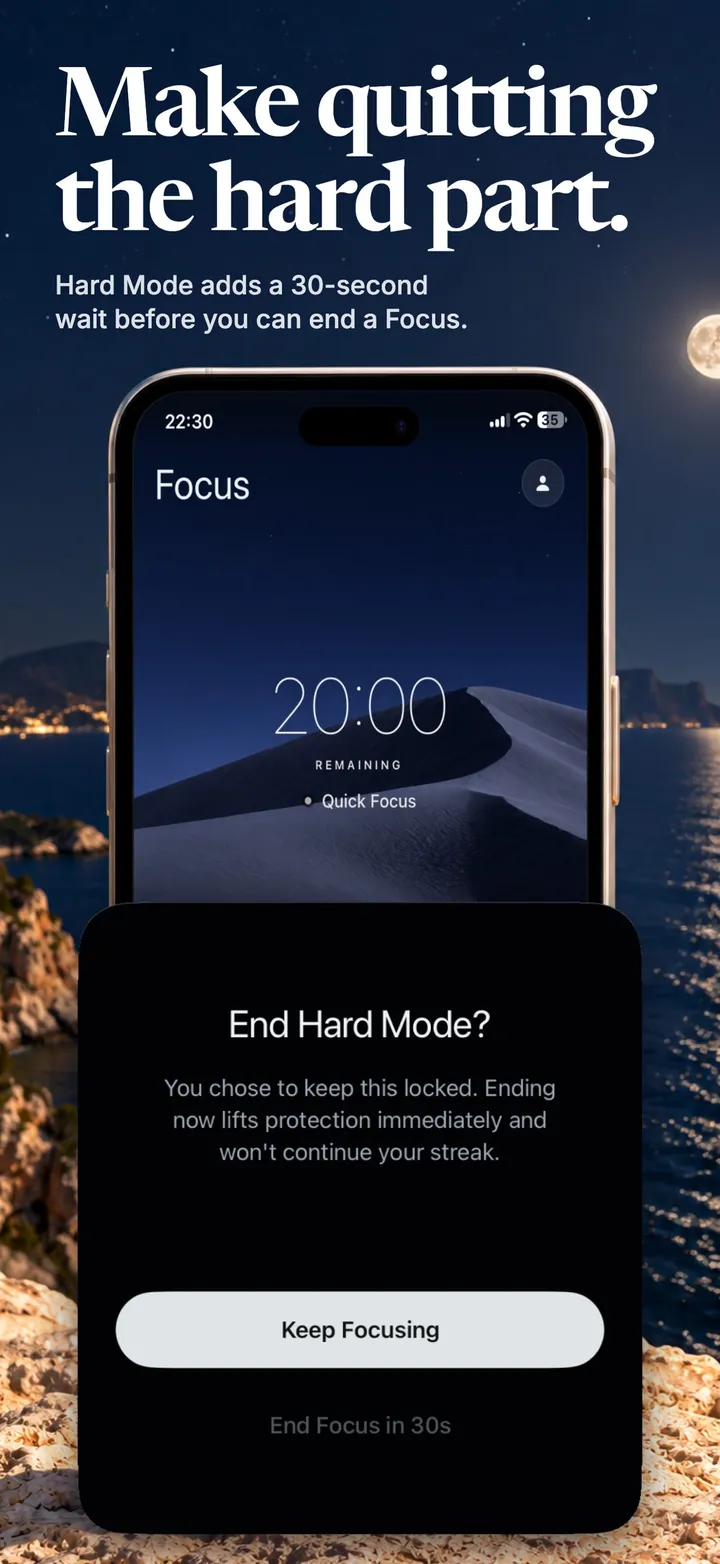
Make quitting the hard part.
For the days you know you will negotiate with yourself. In Hard Mode the Shield has no way out, and ending a Focus early takes a 30-second wait. Enough time for the urge to pass and for you to choose again.
Screen Time insights & Habits
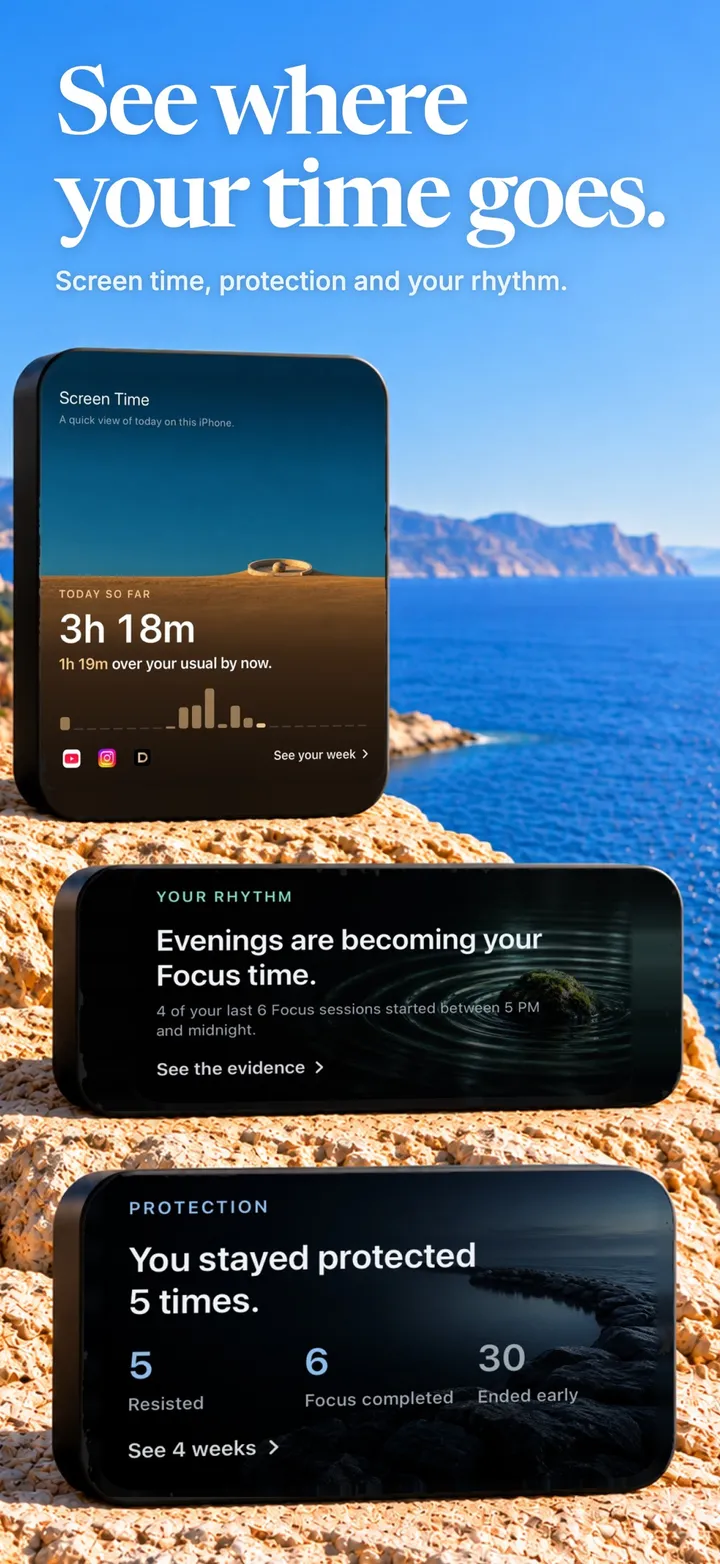
See where your time goes.
Understand your Screen Time by day, hour and app, and see how often you stayed protected. Then give the time back a direction: add habits like reading or a walk, pick the days, set a reminder and log them when you do them.
Reports depend on the data Apple makes available. Unscroll does not promise a particular reduction.
Journey
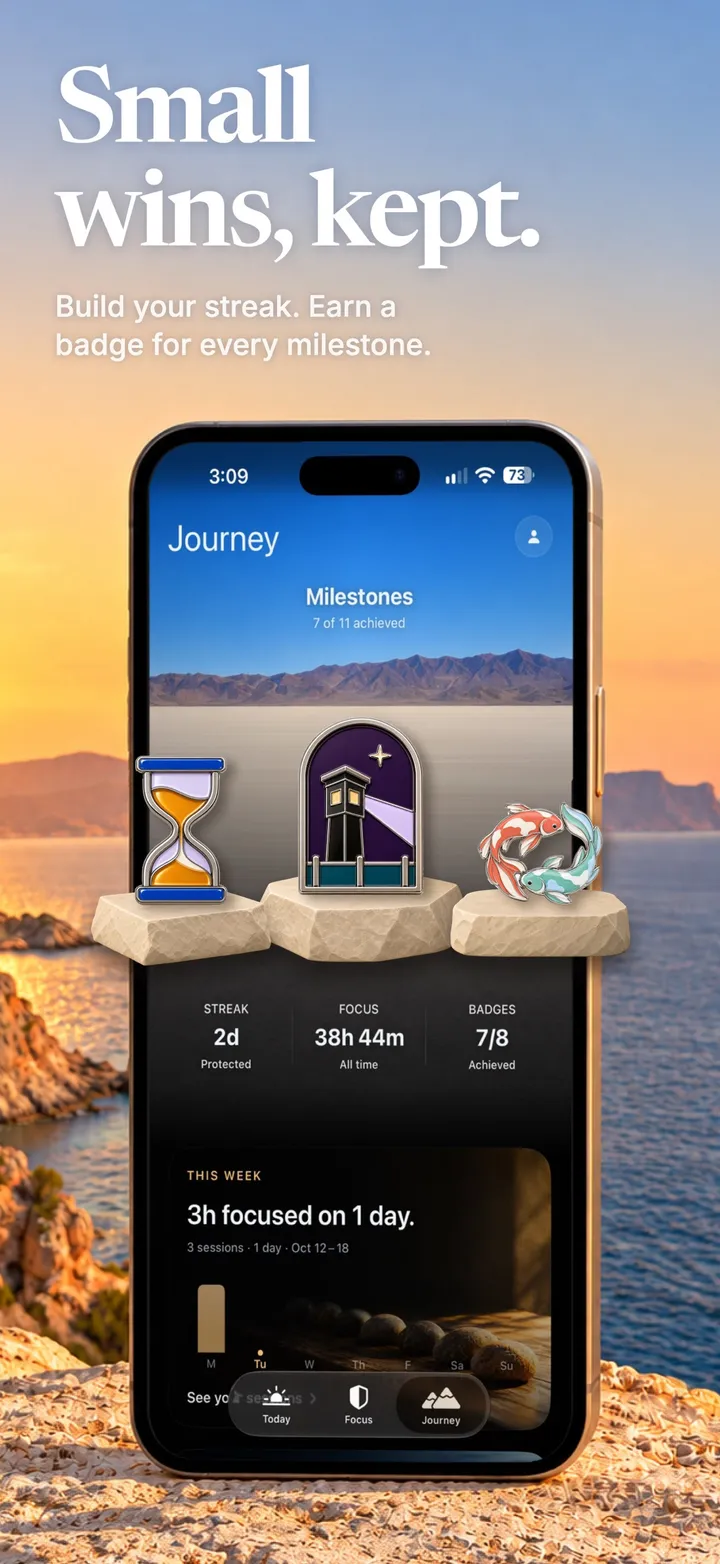
Small wins, kept.
Journey brings together completed sessions, protected time and your streak. Eleven collectible badges mark the milestones, from your first clean day to keeping your automations.
Private by design
Your Screen Time stays on your iPhone.
On device
The apps you protect and your detailed Screen Time activity stay on your iPhone, handled by Apple’s Screen Time frameworks.
Nothing to see
Unscroll cannot see what you do inside other apps or websites.
No account needed
Sign in with Apple is optional and only backs up your progress.
Free
- Block apps, categories and websites
- Focus sessions from 15 minutes to 3 hours
- Automations and Habits to get started
- Widgets, Screen Time insights and Journey
Unscroll Pro
- Hard Mode
- Unlimited Automations and Habits
- Longer Journey history
- Extra app icons
A subscription or a one-time lifetime purchase. Prices are shown in the App Store before you buy.
Questions
How does Unscroll block apps on iPhone?
Unscroll uses Apple Screen Time. You pick the apps, categories and websites to protect, start a Focus, and those apps show the Unscroll Shield instead of opening. To open one, you end the Focus in Unscroll first.
Is Unscroll free?
Yes. Blocking, Focus sessions, Automations, Habits, widgets and Journey are free to use. Unscroll Pro adds Hard Mode, unlimited Automations and Habits, longer Journey history and extra app icons, as a subscription or a one-time lifetime purchase.
What is Hard Mode?
Hard Mode is a stronger Focus. The Shield offers no way out, and ending the Focus early in Unscroll takes a 30-second wait.
Can I block apps on a schedule?
Yes. Automations start and end blocking on the days and hours you choose, such as work hours or bedtime, even when the app is closed.
Can Unscroll see what I do in other apps?
No. The apps you protect and your detailed Screen Time activity stay on your iPhone, handled by Apple’s privacy-preserving Screen Time frameworks. Unscroll cannot see what you do inside other apps or websites.
How do I stop ignoring my Screen Time limits?
The Ignore Limit button makes App Limits easy to dismiss. Read why Screen Time limits stop working, or see our guides on blocking apps on iPhone and how to stop doomscrolling.
Which devices does Unscroll support?
Unscroll runs on iPhone with iOS 18 or later and needs Screen Time access to work.